
Overview
What is a proposal acknowledgement?
Acknowledgements are required from stakeholders in the curriculum governance process when the new or modified curricula requires acknowledgement before being approved to be offered at the institution. Acknowledgements do not prevent the proposal from moving forward in the approval process.
Can I leave a comment when acknowledging a proposal?
Yes. Comments can be included when acknowledging a proposal but are not required. Comments are not editable and are displayed to all users viewing the proposal, including your name and a date and time stamp when the comment was made.
Acknowledge a Proposal
How do I access a proposal to acknowledge?
There are a few ways to access proposals awaiting your acknowledgement.
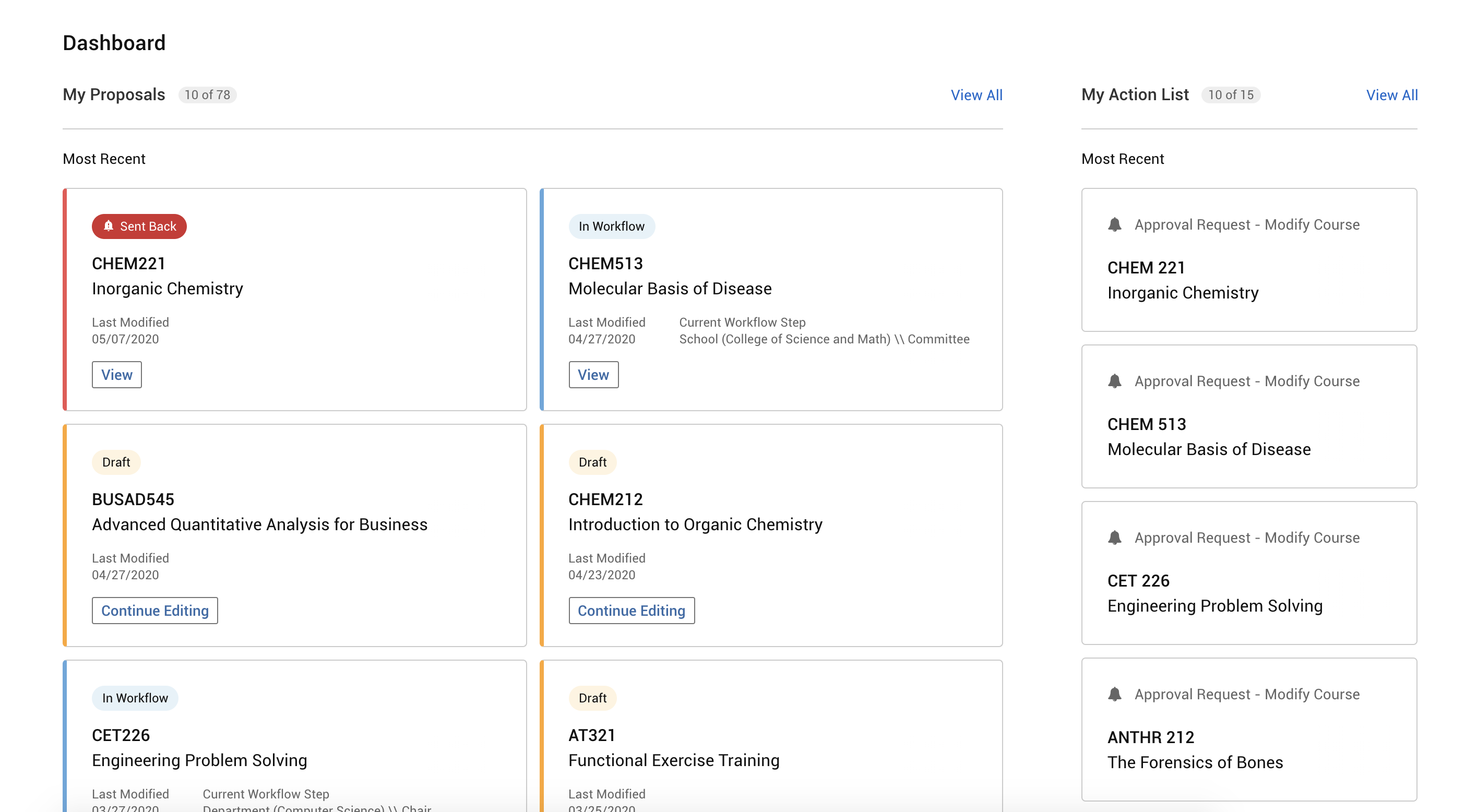
To access a proposal from the user dashboard:
- Click My Dashboard in the navigation panel.
- In the "My Action List" section on the right, click the title of the proposal to approve or click View All to view your entire action list.
To access a proposal from your action list:
- From any screen in Curriculum Management, click Action List in the application header.
- Use search or sorting to find the proposal to acknowledge.
- Click anywhere inline with the proposal to acknowledge.

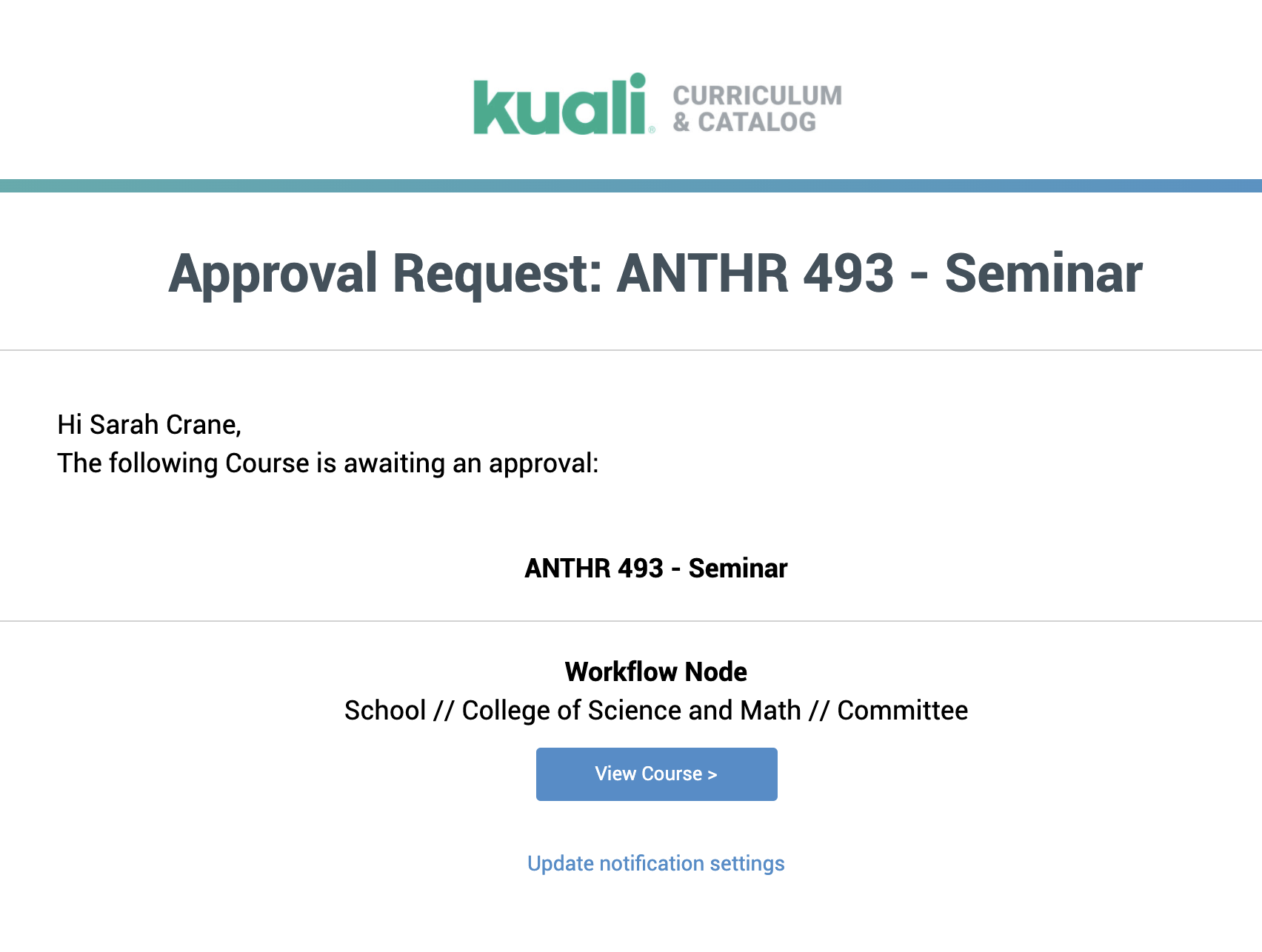
To access a proposal from an acknowledgement request notification:
- From the acknowledgement request notification, click the View Course button.
How do I review a proposal prior to ackowledgement?
New curriculum proposals will display all the information created by the original proposer. Proposals to modify curriculum will display the original and proposed changes side by side.
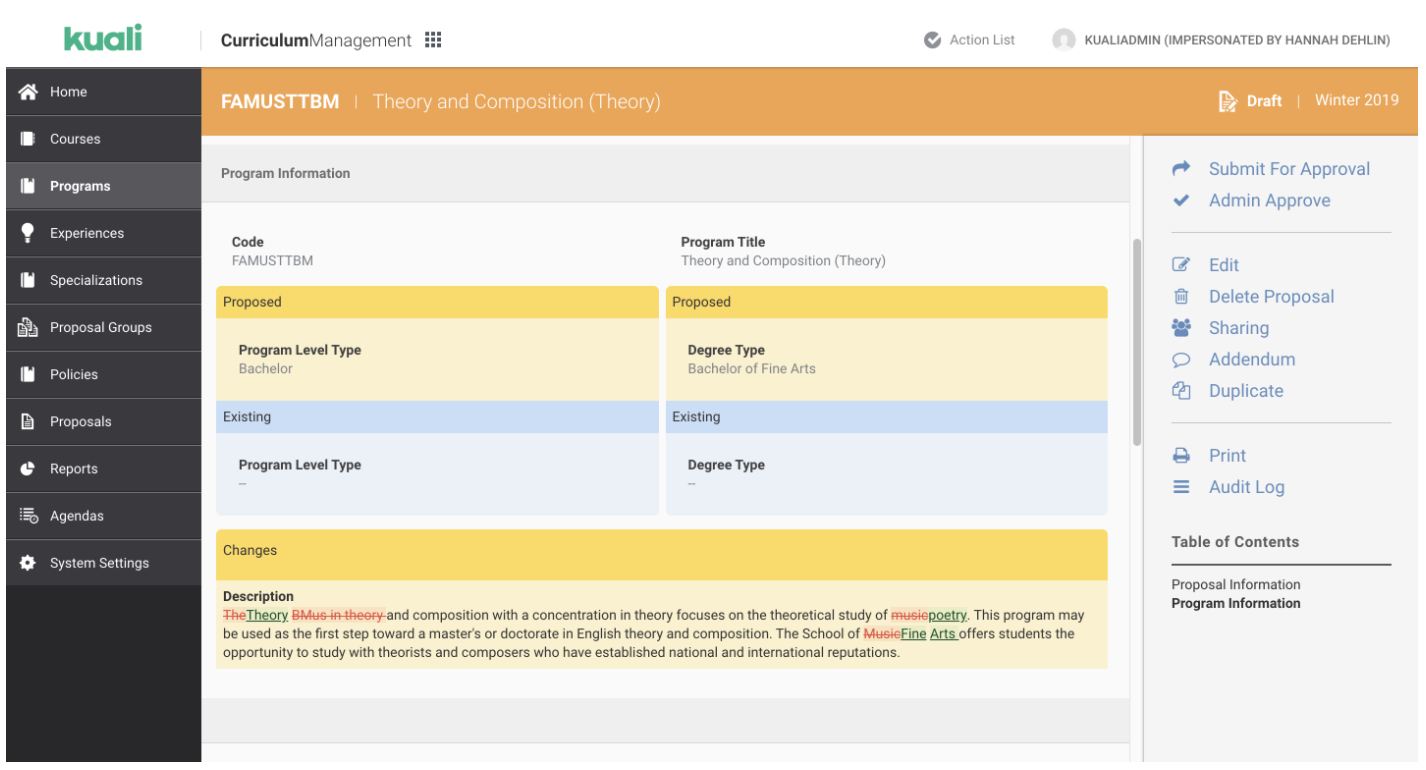
Example of the display of curriculum changes in a modified program proposal.
How do I acknowledge a proposal?
- Click Acknowledge in the right panel.
- To leave a comment, enter text into the Comment field (optional).
- Click the Acknowledge button.
Comments
0 comments
Article is closed for comments.